Chrome Extension

Turn raw screenshots into polished visuals in seconds

ShapeClip is a workflow accelerator for screenshot-based content. No Canva shuffle. No Photoshop masking. No fiddly alignment.

Capture  →  Shape  →  Style  →  Export

Start free. Upgrade when you need more control.

$39.99$9.99/year · less than $1/month · Introductory pricing

From raw capture to ready-to-share

One workflow, two states. The difference is speed and polish.

Before

Raw screenshot
(drop image here)

After · ShapeClip

Shaped + styled result
(drop image here)

The friction

One good screenshot shouldn't take four tools

Too many steps

Capture in one tool. Paste somewhere else. Mask it. Fix the edges. Re-export. All for a single image.

Manual alignment

Cropping to a shape or fitting text into a mask eats more time than the screenshot itself.

Unsure export quality

You never really know what the saved file will look like until it's downloaded and opened somewhere else.

Every post looks raw

Plain screenshots are fine. They just don't feel like the rest of your brand when they go live.

What it does

One step past screenshot

Every feature exists to cut clicks between capture and publish.

📸

Capture any webpage

Grab the visible area or the full page — right from the toolbar. No screenshot tool to juggle.

Clip into shapes

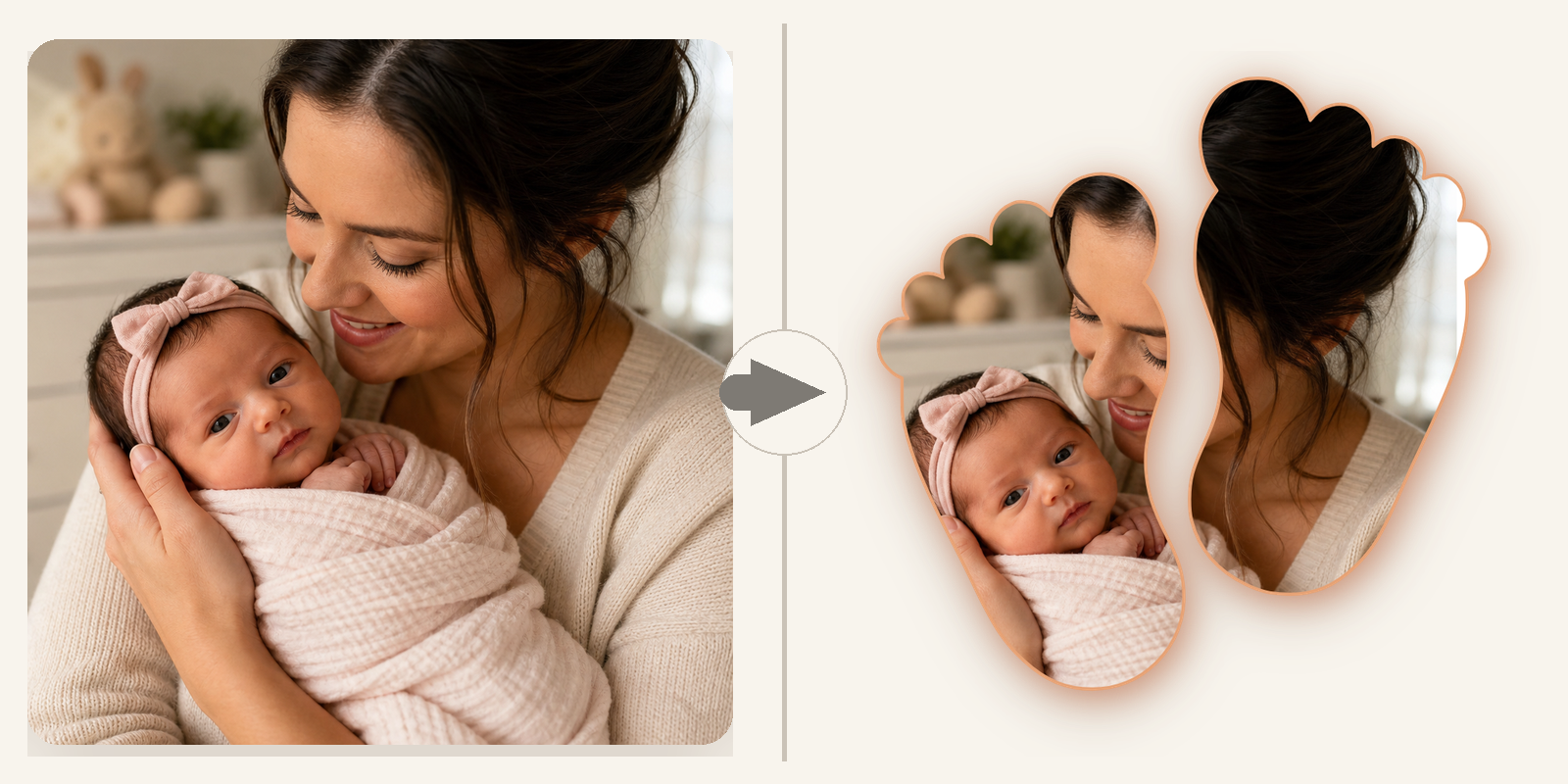
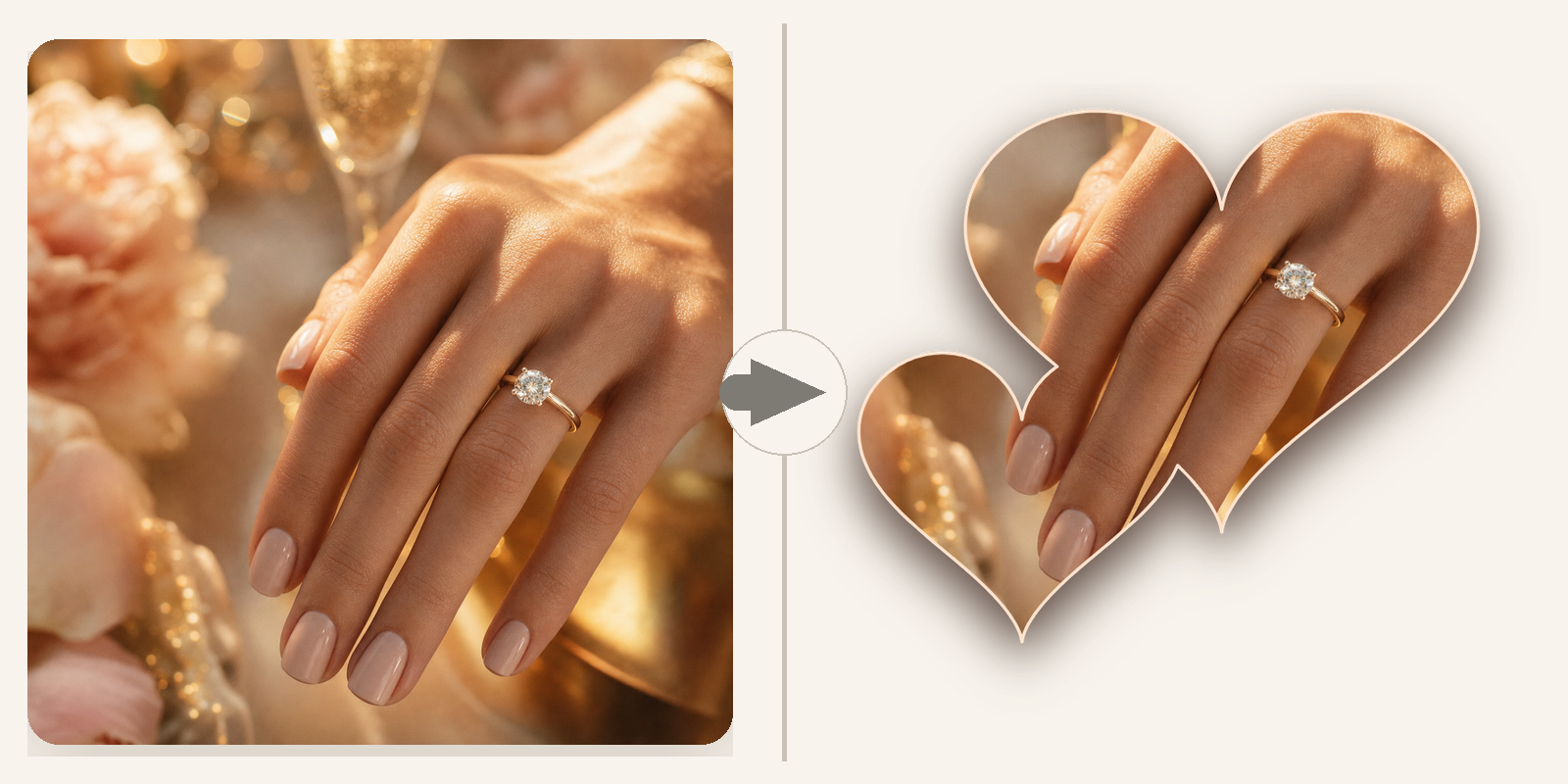
Pick a shape and your capture is instantly cropped to fit — circle, star, badge, anything.

Aa

Word masks

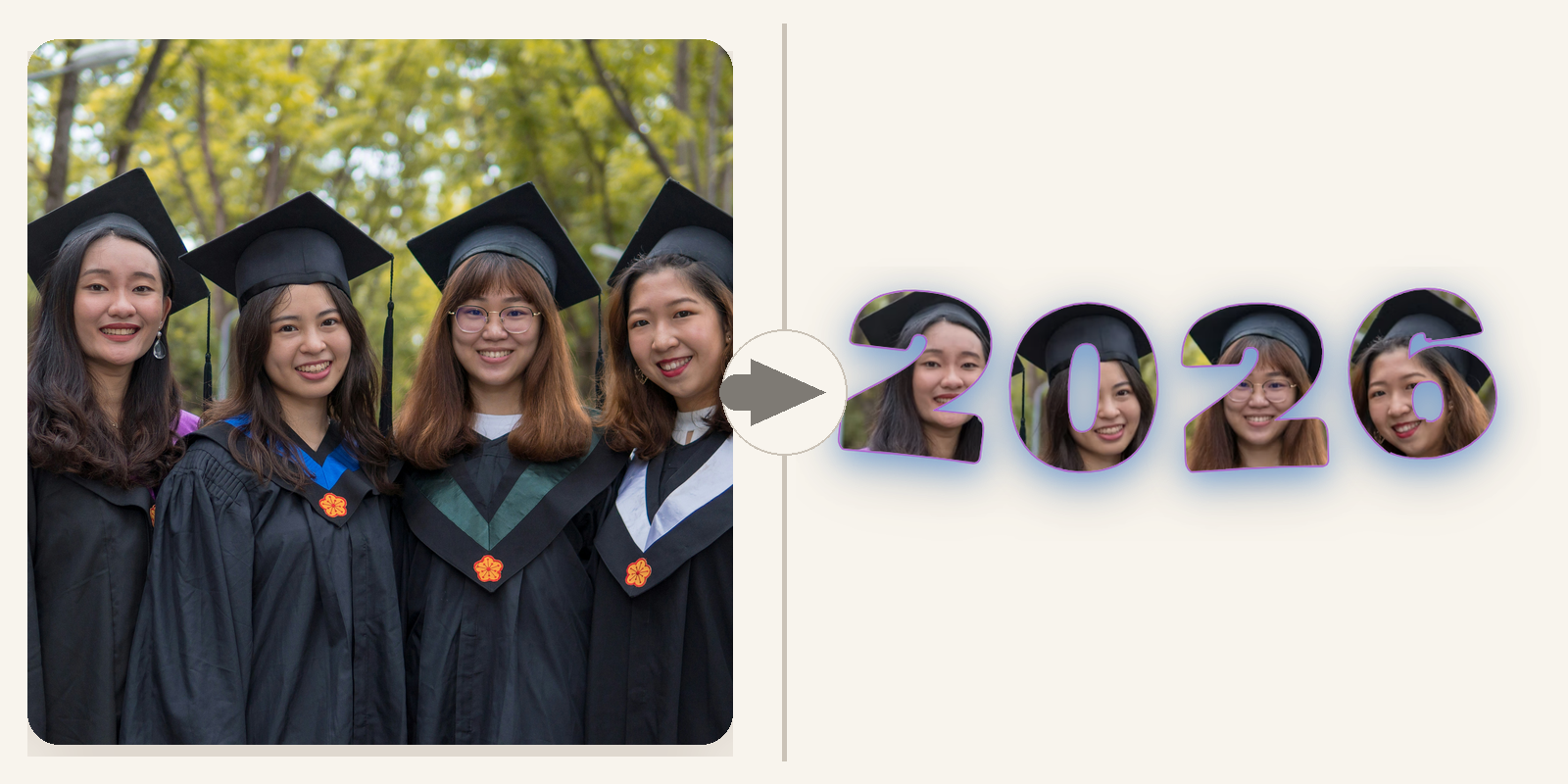
Turn a word into the frame. Type a headline and watch your capture shape itself around it.

🔎

200,000+ shapes

Search the full shape library directly inside the editor. Save your favorites for next time.

Export or copy instantly

Download a PNG or copy the shaped image straight to your clipboard. Paste into any tool.

👁

What you see is what you export

The live preview is the final file. No surprises, no re-exports, no guessing game.

Who it's for

Built for people who ship visuals weekly

Marketing · Social

Marketers & social media managers

Turn product screenshots into on-brand post assets without opening a design tool.

SaaS · Product

Founders & product teams

Ship feature announcements, changelog visuals, and landing-page proof in minutes.

Content

Bloggers & newsletter writers

Make every embedded screenshot feel intentional — not like a raw paste.

Education

Educators & course creators

Clean, shaped captures for slides, lesson decks, and walkthrough visuals.

SMB

Small business owners

One tool that takes a plain website capture and makes it look share-ready.

Everyone else

Anyone tired of the shuffle

If you screenshot something every week and wish it looked a little more finished — this is for you.

Early Access

Upgrade when polishing screenshots becomes a weekly task

Pro removes the repetitive polish work — bigger exports, longer word masks, a full font library, rotation, and clean clipboard handoff.

  • High & Ultra export resolution
  • Up to 15-character word masks
  • Full font library
  • Save up to 30 custom shapes
  • Image rotation controls
  • Copy shaped PNG to clipboard
  • No watermark on exports
  • Priority email support
$39.99 $9.99/year
Introductory pricing
Early adopter pricing — will increase
Less than $1/month · cancel anytime
Free plan available — no signup required
Upgrade to Pro
Compare

Free vs Pro

Start free. Upgrade when the savings in clicks add up.

Free

$0 · forever

  • Capture visible area and full page
  • Built-in shapes + word masks
  • Search 200,000+ shapes
  • Standard export (800px)
  • Save up to 10 shapes
  • Small ShapeClip watermark on exports
  • No rotation, no clipboard copy
Pro

Pro

$9.99/year · less than $1/month

  • Everything in Free
  • High & Ultra export resolution
  • Up to 15-character word masks + full fonts
  • Save up to 30 shapes
  • Rotation + Copy Shaped PNG
  • No watermark
  • Priority email support

Stop bouncing between tools for one polished screenshot

Make the captures you already take look worth sharing — in seconds, not sessions.

Upgrade to Pro